
Display and surface properties / USER GUIDE
Inspecting channels
What each channel does
Select a mesh part at the top of the panel. Below it, you can change the working and export resolutions. Thumbnails show the result after layer compositing.
| Channel | Role |
|---|---|
| BaseColor | Surface color |
| Normal | Surface normals |
| Roughness | Surface roughness |
| Metallic | How metallic the surface is |
| Height | Surface height |
| Emission | Emitted light color |
Resolution and image assignments
Drag an image from the project onto a channel to assign it. Set the viewport preview resolution in the VRAM section of Preferences.
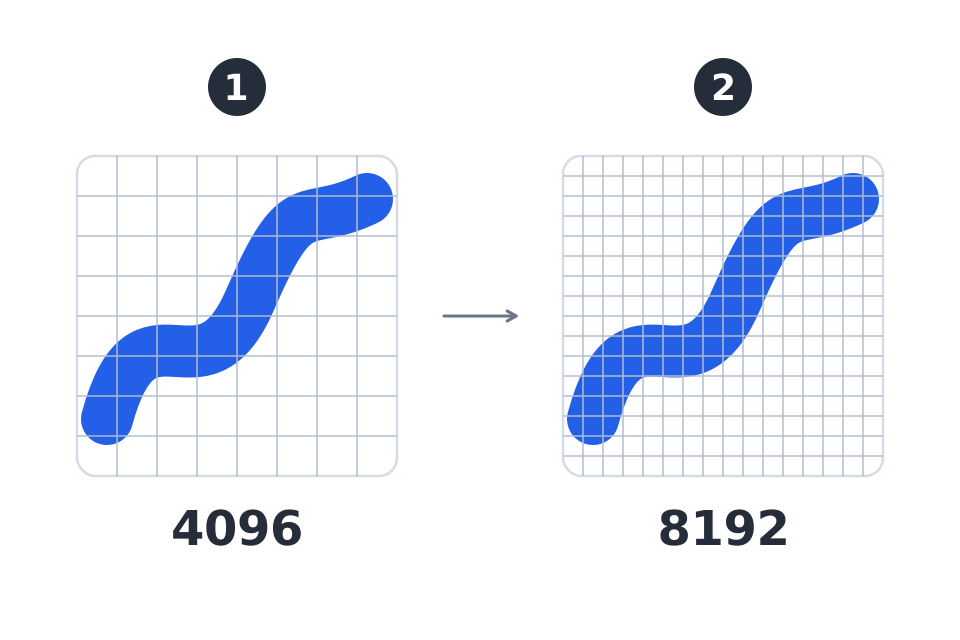
Working resolution can be 512 / 1024 / 2048 / 4096. Export resolution also offers 8192 (8K); 8K is an export setting, not a working resolution. Working, export, and preview resolutions are separate settings. Higher-resolution exports require more memory and processing time.
Manual Texture Bind lets you assign images to channels of an imported material. Use Clear to remove an assignment. This is separate from image Fill settings on a layer.