Pie menu
Hold right-click, slide, and release to select. In Ver.0.1.2, choose layers and change their settings near the cursor in the 3D viewport and UV Editor.
Read the guideWindows only
From toon shading to physically based surfaces.3D painting software for Windows, with NPR and PBR support.
Windows only · Requires a Vulkan 1.2-compatible GPU
LAYER BY LAYER
FEATURES
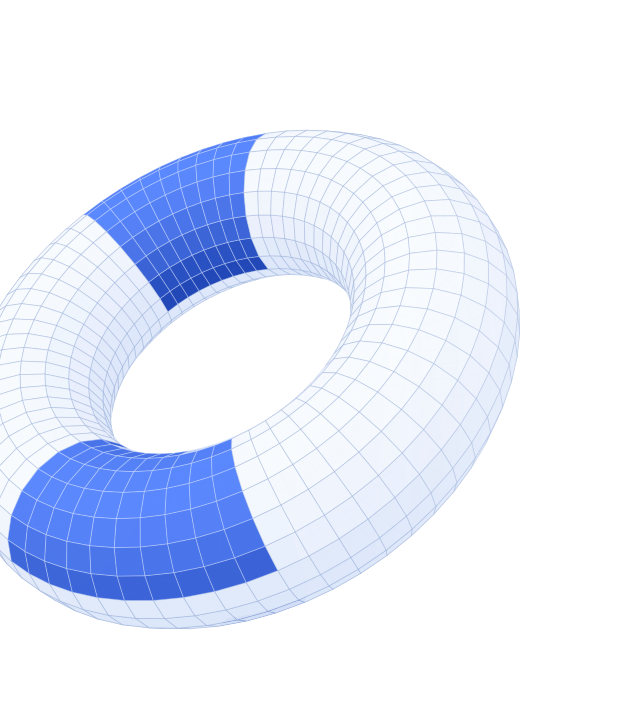
Paint in both 3D and UV views, then refine your work with layers and masks.
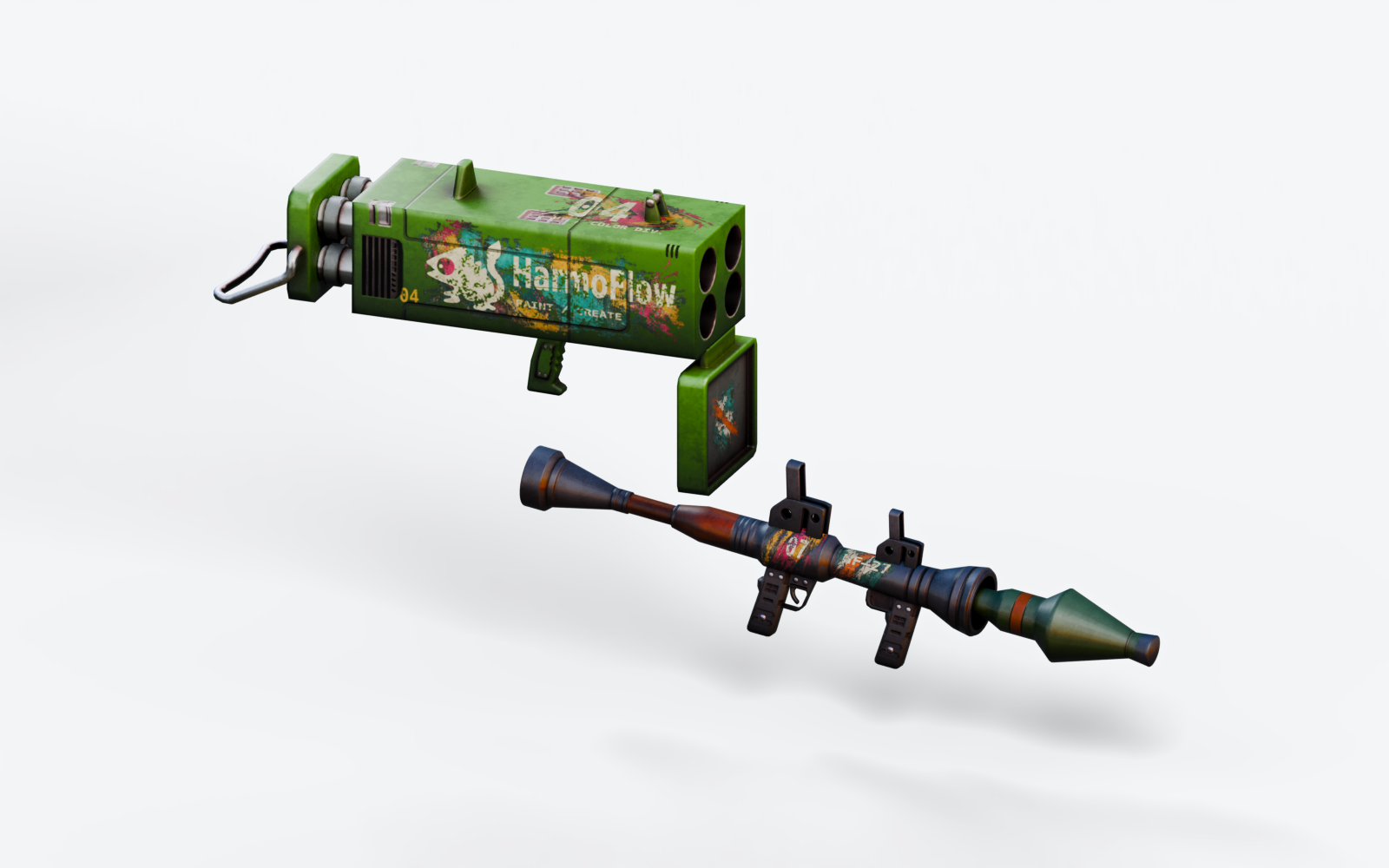
Preview in NPR and PBR to check colors and surface properties as you work.
Paint with brushes and refine with erasers in the 3D view and UV Editor.
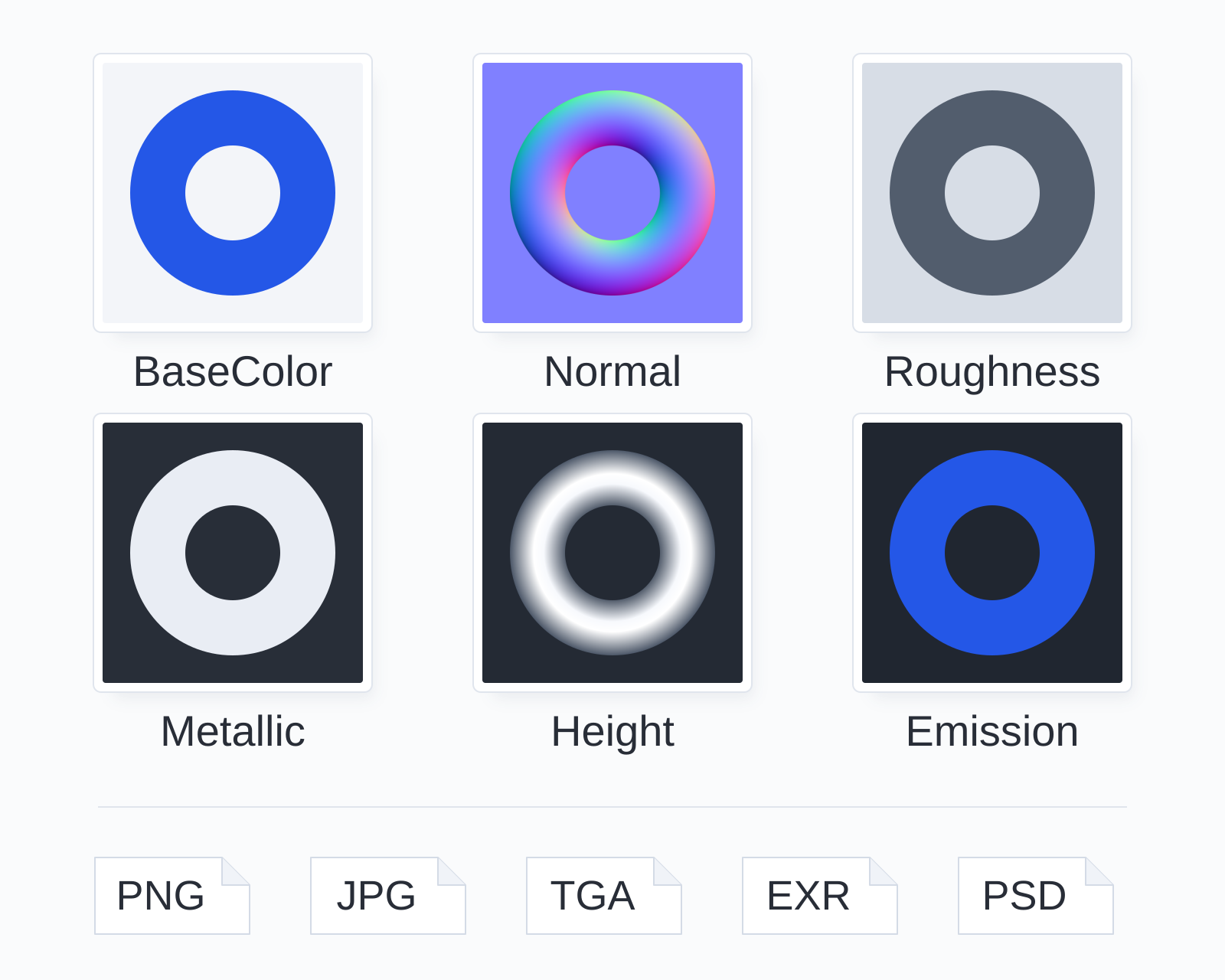
Paint multiple PBR channels at once, including color, normals, and roughness.
Learn about brushes and paintingSURFACE PAINTINGWork with Paint, Fill, Path, and Adjustment layers. Use masks on Paint, Fill, and Adjustment layers to control coverage. Adjust opacity and blending to refine the result.
Keep colors, patterns, and surface properties on separate layers so you can edit them later.
Learn about layers and masks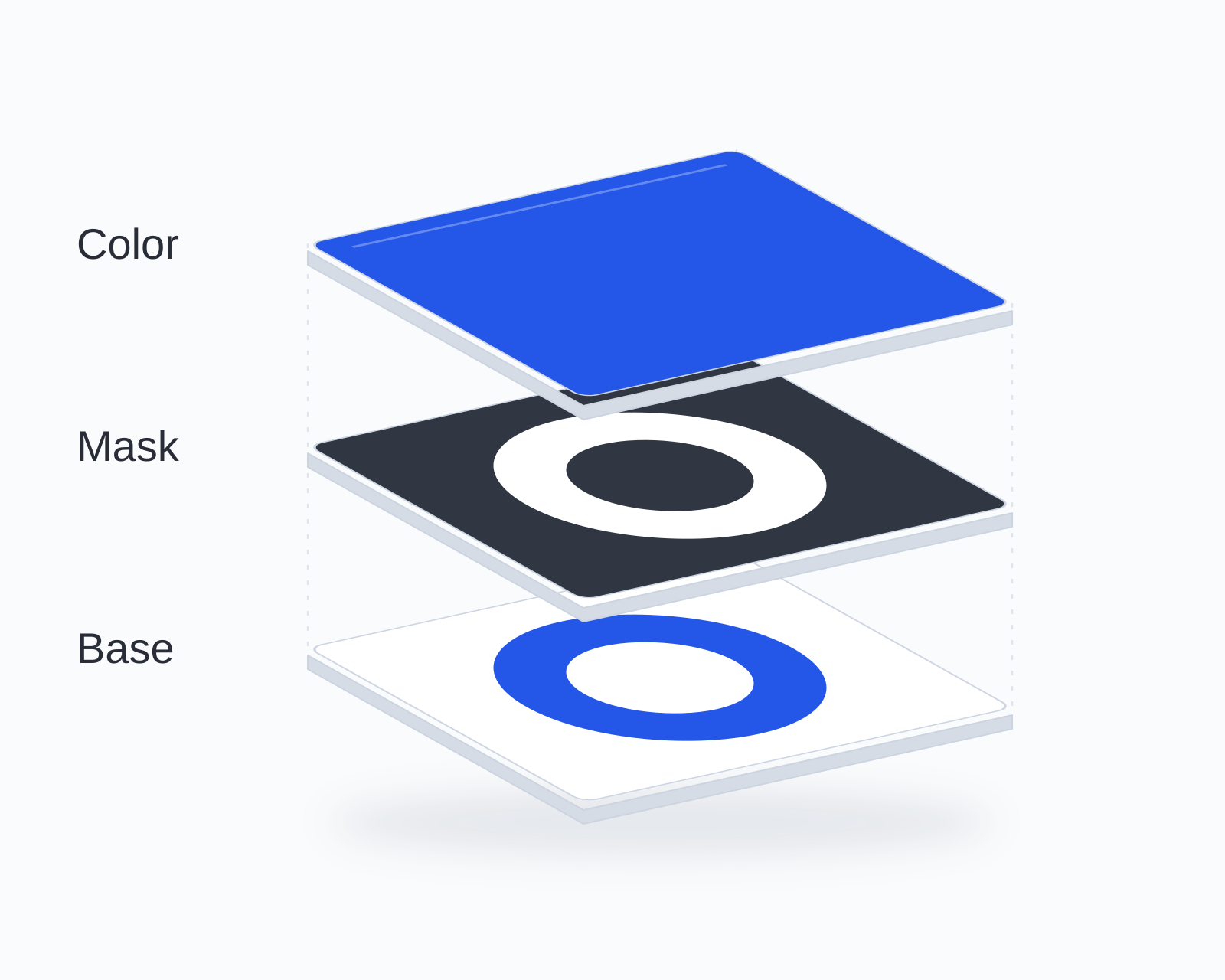 LAYERS & MASKS
WORKFLOW UPDATES
Hold right-click, slide, and release to select. In Ver.0.1.2, choose layers and change their settings near the cursor in the 3D viewport and UV Editor.
Read the guideCheck for new versions automatically at startup. Use the notification icon to read the changes and open the download page.
Read the guidePAINT TOOLS
Add strokes, erase to refine, and blend colors. Choose the right tool for the way you want to paint.
01 / BRUSH
In the 3D view, paint with pressure-sensitive width and opacity. Stabilization and symmetry help you shape your lines.
Use PNG images as brush tips and save your settings as presets.
02 / ERASER
Adjust the size and tip to erase and refine painted areas. Use eraser strokes for fine details or larger areas.
Use it to refine masks as well as paint.
03 / BLEND
Blur painted colors or pull them in the direction of your stroke. Use the colors on the selected layer to blend edges and texture.
04 / FILL
Click faces or UV islands to fill individual regions. Select a small face or an entire UV island.
Apply a material’s color, normals, roughness, and other channels together.
These illustrations explain the features and do not show the actual interface.
EDITING TOOLS
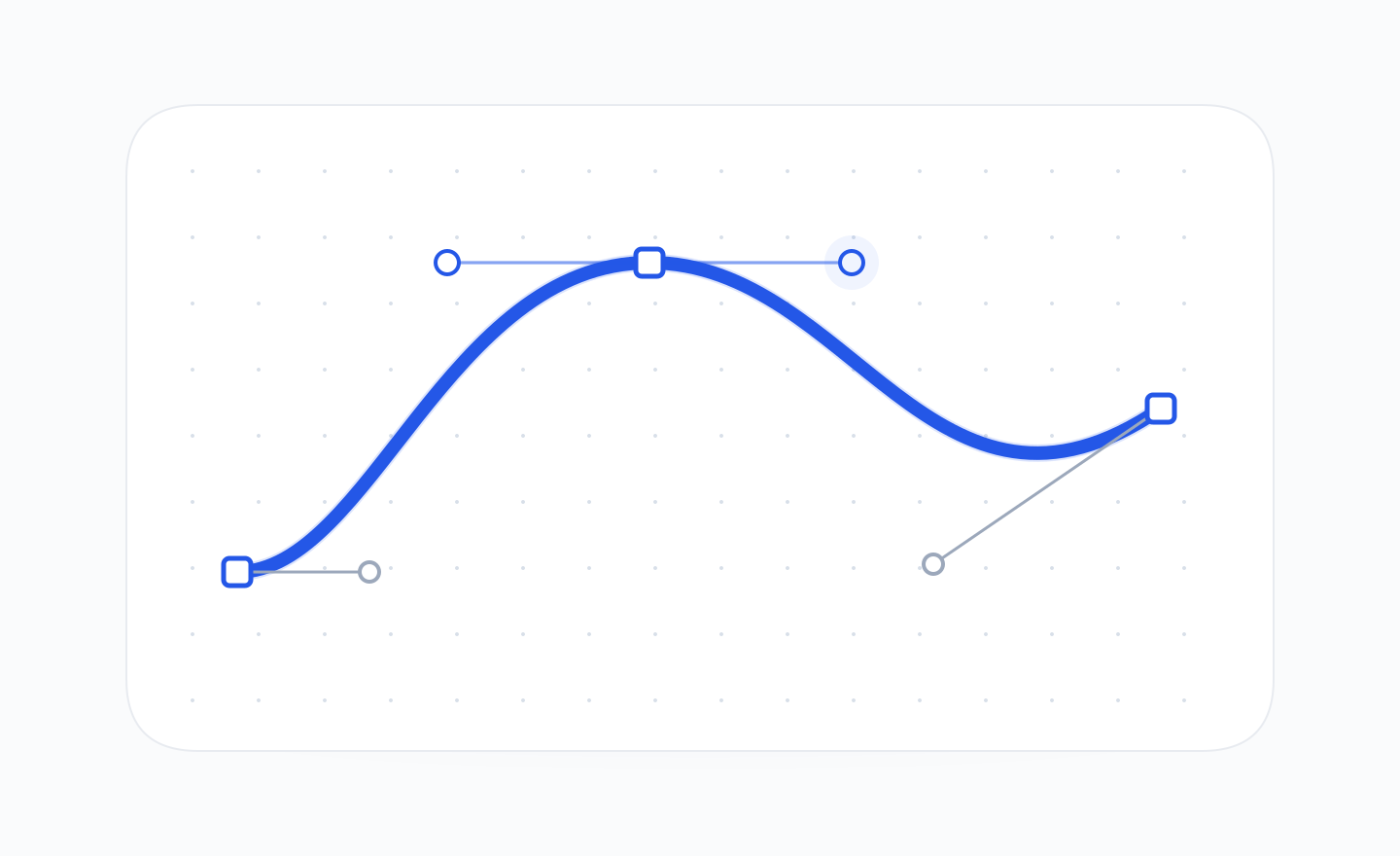
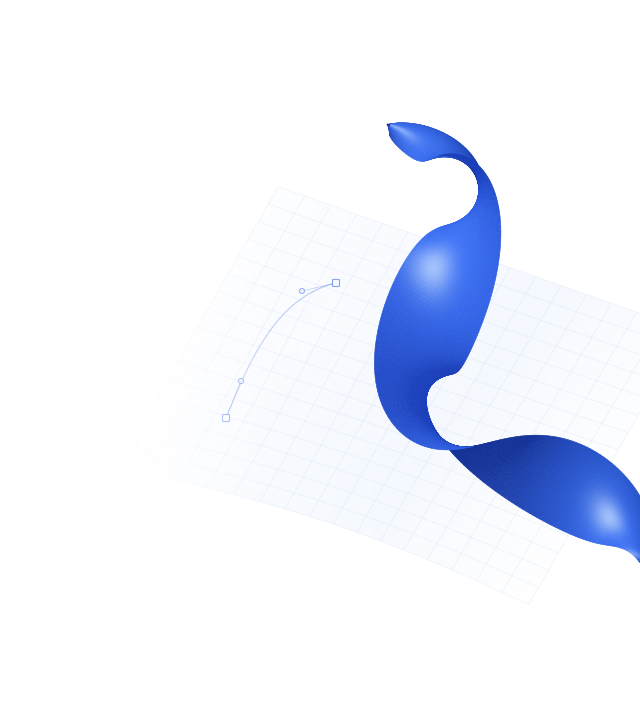
Create lines and filled shapes with Bézier paths on the model surface. Edit the anchors at any time.
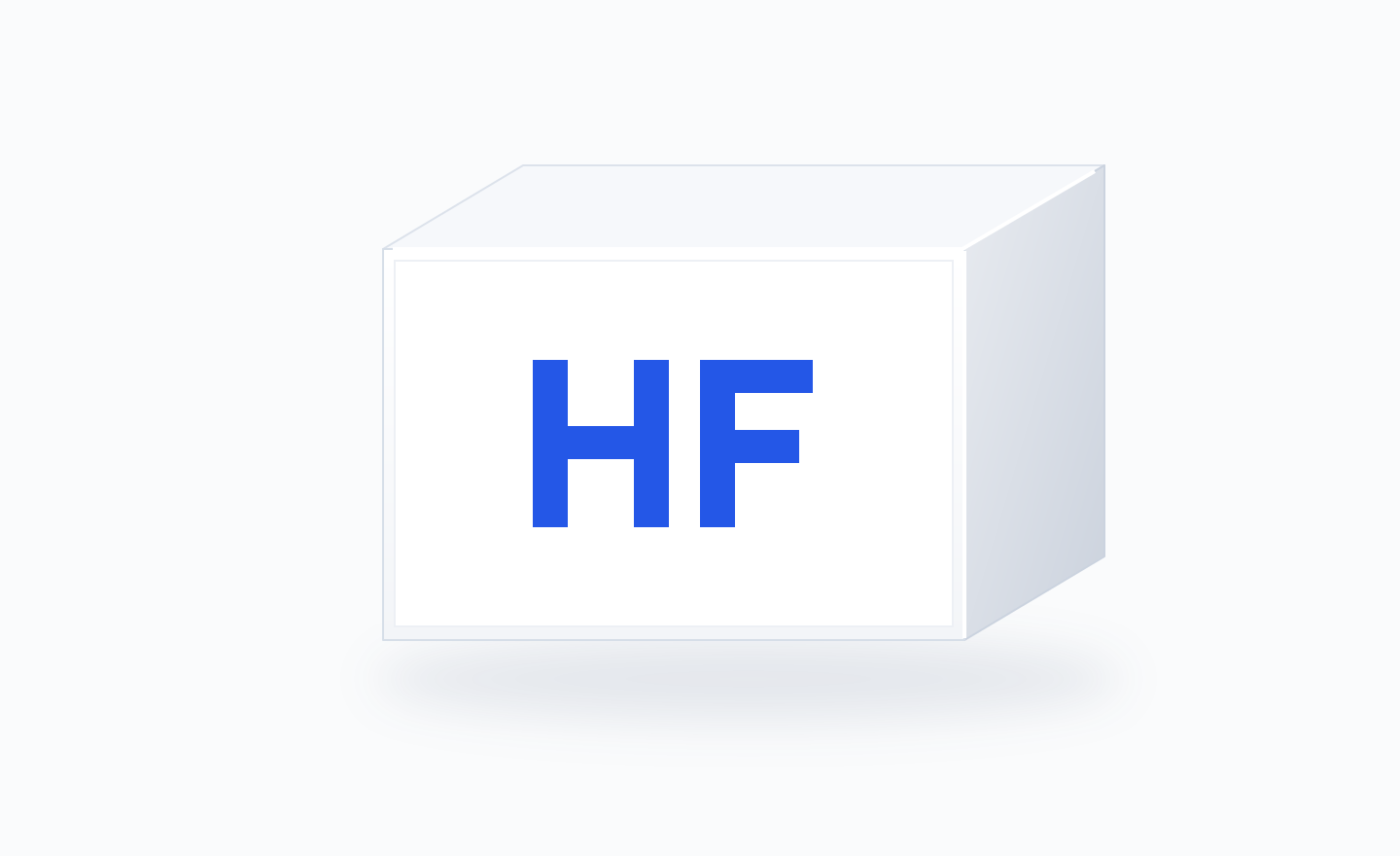
Place images, text, and shapes as stamps. Adjust their size and angle to suit your design.
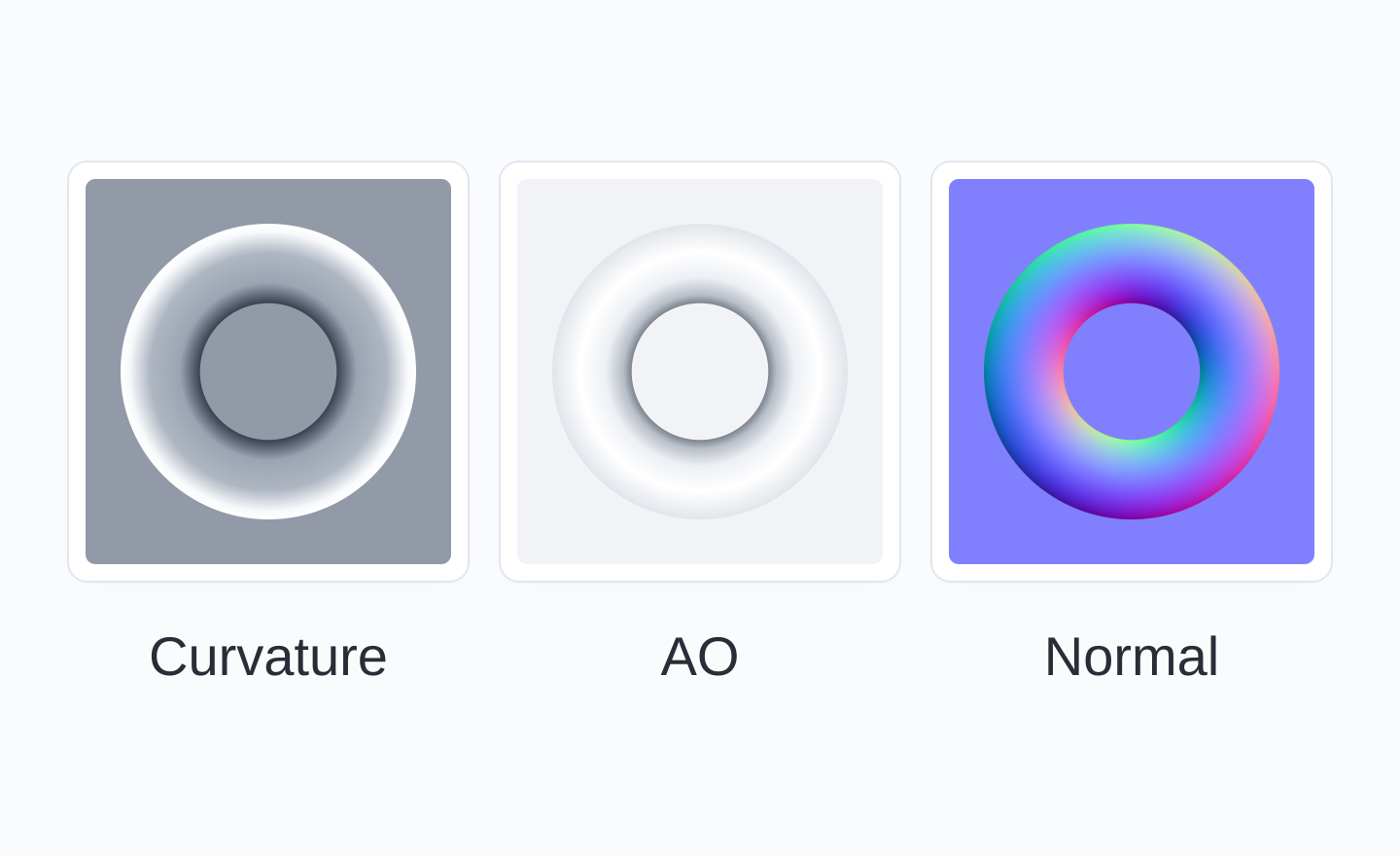
Bake curvature, AO, normal, and position maps to create weathering that follows the model’s geometry.
These illustrations explain the features and do not show the actual interface.
EXPORT
Export to PNG, JPG, TGA, and EXR,
or save a layered PSD.